Best Standing Desk Apps for Mac: How to Choose a Sit-Stand Reminder
You have a standing desk. You know you should switch between sitting and standing. And yet, most days, the desk stays in one position from morning to evening.
That's not a willpower problem. When you're focused, time disappears, and nothing in your environment tells you it's been two hours. The fix is an external cue: something that reminds you to change position at the right moment, without becoming one more annoying notification you learn to ignore.
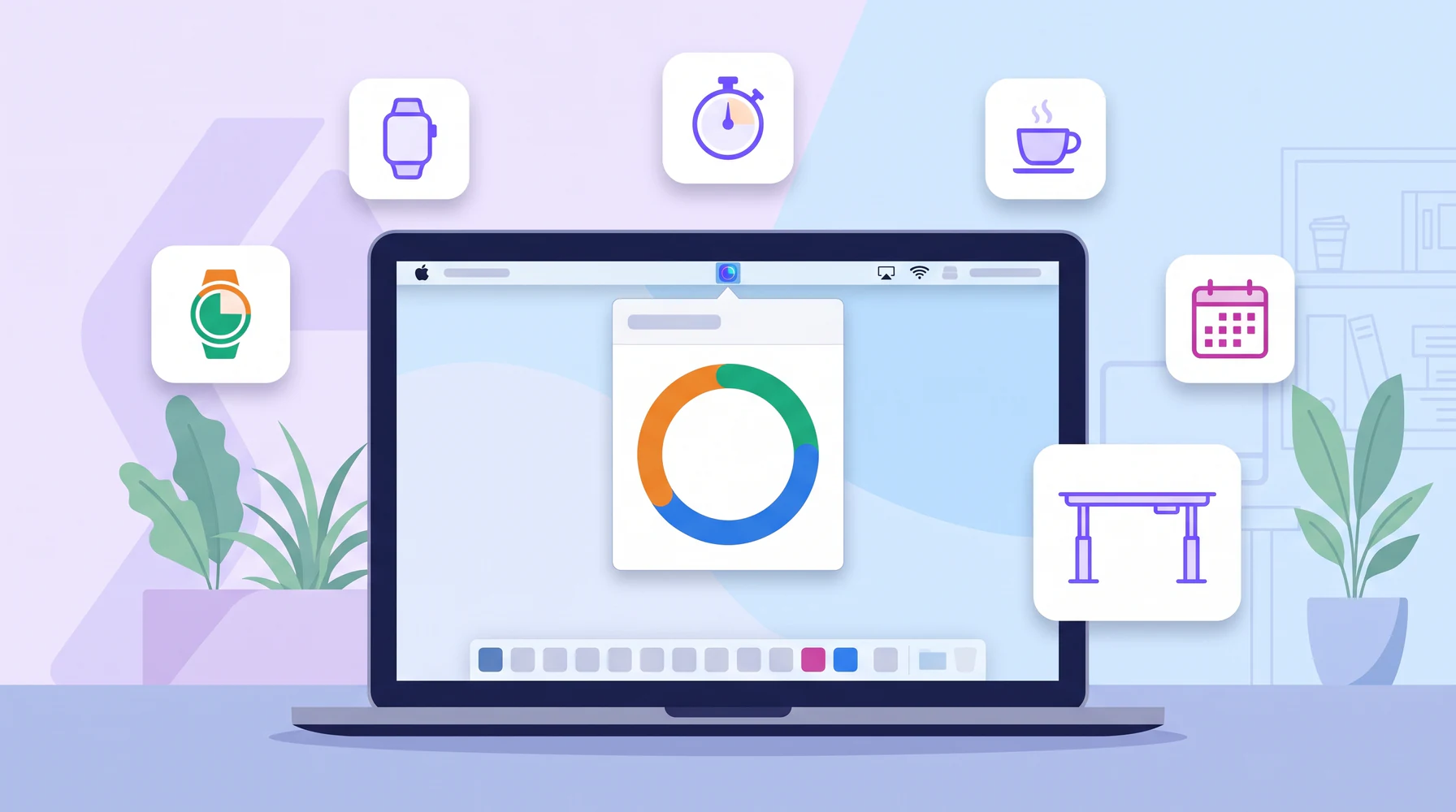
On a Mac, there are several ways to get that cue. In this guide we'll compare the main types of standing desk apps and reminders, what each one does well, where each one falls short, and what to look for so you pick a tool you'll actually keep using.
What a Standing Desk App Should Actually Do
Before comparing tools, it helps to be clear about the job. The benefit of a standing desk comes from alternating positions and moving regularly, not from standing as much as possible. (We covered the reasons in our guide to standing desk health benefits and the timing in the best sit-stand schedule.)
So a good standing desk app should help you:
- Follow a rhythm, not just a single "stand up" alert. Sitting, standing, and moving each have a place in the cycle.
- Switch at the right time, including telling you when to sit back down, so you don't overdo standing.
- Respect your focus, so you can finish a thought before switching.
- Stay out of the way the rest of the time.
Keep those four points in mind as we go through the options.
Option 1: Apple Watch Stand Reminders
If you wear an Apple Watch, you already have stand reminders. The Activity app nudges you near the end of an hour if you haven't stood and moved for at least a minute, and counts the hours you stood during the day.
Good for: people who sit most of the day and want a simple push to get up once an hour. It's free, built in, and works away from the desk too.
Where it falls short for standing desk users:
- It's designed to break up sitting, not to manage a sit-stand routine. It won't tell you when to sit back down.
- One minute of standing per hour counts as success, which is a very low bar if you have a standing desk.
- It doesn't know about perching or movement breaks, and you can't set your own cycle.
Stand reminders are a fine baseline, and they pair well with a desk-focused tool. On their own, they're not a standing desk routine.
Option 2: Generic Timers and Pomodoro Apps
Many people start with what they already have: a timer, the Clock app, or a Pomodoro app. Work for 25 minutes, take a 5-minute break, repeat.
Good for: people who already work in Pomodoro sessions. You can simply decide to stand during every other session and walk during breaks. We explained how to combine both in movement breaks and focus.
Where it falls short:
- Timers don't know about postures. You have to remember which position comes next.
- Most only handle one or two interval types, so a sit, stand, perch, and move cycle needs workarounds.
- Restarting a timer by hand all day is exactly the kind of friction that makes habits fade.
Option 3: Break Reminder Apps
Break reminder apps (for example Time Out on the Mac, or the open-source Stretchly) are built to make you step away from the screen: short micro-breaks, longer breaks, sometimes with stretching suggestions or a screen overlay.
Good for: people whose main goal is rest for the eyes and mind, and who want firm breaks away from the computer.
Where it falls short for standing desk users:
- They focus on stopping work, while a standing desk lets you keep working in a different position. Most posture changes don't need a break at all.
- They usually don't model a sit-stand cycle, so you still need to decide when to stand and when to sit.
- Full-screen break overlays can feel heavy if all you want is a quiet "time to stand".
Option 4: Smart Desks and Manufacturer Apps
Some electric standing desks come with a companion app or controller that can store heights and remind you to switch, and a few can even move the desk for you.
Good for: people who already own a desk with this feature and like having everything in one place.
Where it falls short:
- It only works with that specific desk, and features vary a lot between brands.
- Reminders tend to be basic: usually a sit/stand alternation without movement breaks, perching, or flexible snoozing.
- If you change desks or work from different places, the routine doesn't come with you.
Option 5: Calendar Events and Reminders
Some people block "stand up" events in their calendar or create repeating reminders.
Good for: a quick experiment with zero setup cost.
Where it falls short: it's rigid and noisy. Calendar alerts don't adapt when you start late, skip a cycle, or are in a meeting, and they compete with real events. Most people turn them off within a week.
Option 6: Dedicated Sit-Stand Apps
Finally, there are apps designed specifically for the job: they model a cycle of postures and guide you through it.
Good for: anyone with a standing desk who wants a routine that runs on its own, includes movement, and adapts to real workdays.
What to check before choosing one:
- Postures: does it support sitting, standing, and movement breaks? Perching, if you have a stool?
- Flexibility: can you set durations and order, or start from presets?
- Snooze options: can you finish what you're doing without breaking the cycle?
- Visibility: can you see the time left at a glance without opening a window?
- Progress: does it show whether the routine is working over days and weeks?
- Privacy and weight: is it lightweight, and does it stay out of your way? Where does your data go?
If you've decided a dedicated app is the right fit, our comparison of standing desk apps for Mac puts nine of them side by side, with prices, postures, and requirements.
Quick Comparison
| Option | Sit-stand cycle | Tells you to sit back down | Movement breaks | Snooze / flexibility | Works with any desk |
|---|---|---|---|---|---|
| Apple Watch stand reminders | No | No | Partly | Limited | Yes |
| Timers and Pomodoro apps | Manual | Manual | Manual | Varies | Yes |
| Break reminder apps | Rarely | Rarely | Yes | Usually | Yes |
| Smart desk apps | Basic | Usually | Rarely | Varies | No, one desk only |
| Calendar reminders | Manual | Manual | Manual | No | Yes |
| Dedicated sit-stand apps | Yes | Yes | Yes | Yes | Yes |
Where Standflow Fits
We built Standflow because none of the other options did the whole job for us. It's a dedicated sit-stand app that lives in your Mac's menu bar:
- A full posture cycle: standing, sitting, and optional perching and moving intervals, each from 1 to 60 minutes, in the order you choose.
- Presets to start fast: Easy Start (a 30-minute cycle based on the 20-8-2 guideline), Balanced (60 minutes), and Posture Trio (90 minutes, with perching).
- Reminders that respect focus: let the next interval start automatically, or have Standflow ask first, with options to stay a few more minutes, get reminded in 5 minutes, or stop.
- Always visible, never in the way: a progress ring or pie and the time left sit in the menu bar. Click for +5 min, pause, or skip.
- Progress you can see: a daily standing goal and metrics for the last 7, 30, or 90 days, introduced in Standflow 1.2.
- Private: your settings and history stay on your Mac. No account, no cloud sync.
When Standflow is not the right fit
To be fair about it:
- You're on Windows or Linux, or need the same tool on several platforms. Standflow is Mac-only.
- You have an Intel Mac. Standflow currently requires Apple Silicon and macOS 13 or later.
- You want the app to move your desk. Standflow works with any desk because it doesn't control hardware; you still press the button.
- You mainly want screen breaks away from the computer. A break reminder app may suit you better, and it can be combined with a sit-stand routine.
How to Choose: A Simple Decision Guide
- You sit almost all day and just want a nudge to get up: start with Apple Watch stand reminders.
- You already live in Pomodoro sessions: keep them, and assign a posture to each session.
- Your main problem is eye strain and mental fatigue: try a break reminder app.
- You have a standing desk and want a routine that runs itself: use a dedicated sit-stand app like Standflow.
Whatever you pick, set it up once, start with short standing blocks, and give it two weeks before judging. For a practical plan, see how to build a standing desk habit that sticks.
Frequently Asked Questions
What is the best standing desk app for Mac?
It depends on what you need. For a simple hourly nudge, Apple Watch stand reminders are enough. For a full routine that alternates sitting, standing, and movement, a dedicated sit-stand app works best. Standflow is built for that on macOS, from the menu bar.
Is there a free way to get standing reminders on a Mac?
Yes. You can use a timer, calendar reminders, or Apple Watch stand reminders if you have one. They work as a start, but you'll need to manage the sit-stand rhythm yourself.
Do standing desk apps work with any desk?
Software reminders like Standflow work with any desk, including electric, manual crank, and fixed-height desks, because they don't control the desk. Manufacturer apps usually only work with their own desks.
How often should a standing desk app remind me to switch?
A common starting point is the 20-8-2 guideline: 20 minutes sitting, 8 minutes standing, and 2 minutes moving. As you get used to standing, longer cycles of 60 or 90 minutes can fit focused work better.
Can a standing desk app track how much I stand?
Some can. Standflow lets you set a daily standing goal and shows your standing time, goal days, posture changes, and posture mix for the last 7, 30, or 90 days, all stored locally on your Mac.
The Best App Is the One You Keep Using
Every option on this list can help, and the best choice is the one that fits how you work. If you have a standing desk and want it to actually change your workday, look for a tool that keeps the rhythm for you, respects your focus, and includes movement, not just standing.